
Manual Excel forecasting can work well in early stages. But as SKU counts, volatility, and cross-functional alignment needs grow, manual spreadsheet planning becomes a bottleneck. This article compares Excel-based forecasting and numi from an operational perspective.
Short answer
If your planning scope is small and stable, Excel can be sufficient. If you need reliable daily decisions across many SKUs, locations, and stakeholders, numi is usually the more robust option.
Side-by-side comparison
| Criteria | Manual Excel Forecasting | numi |
|---|---|---|
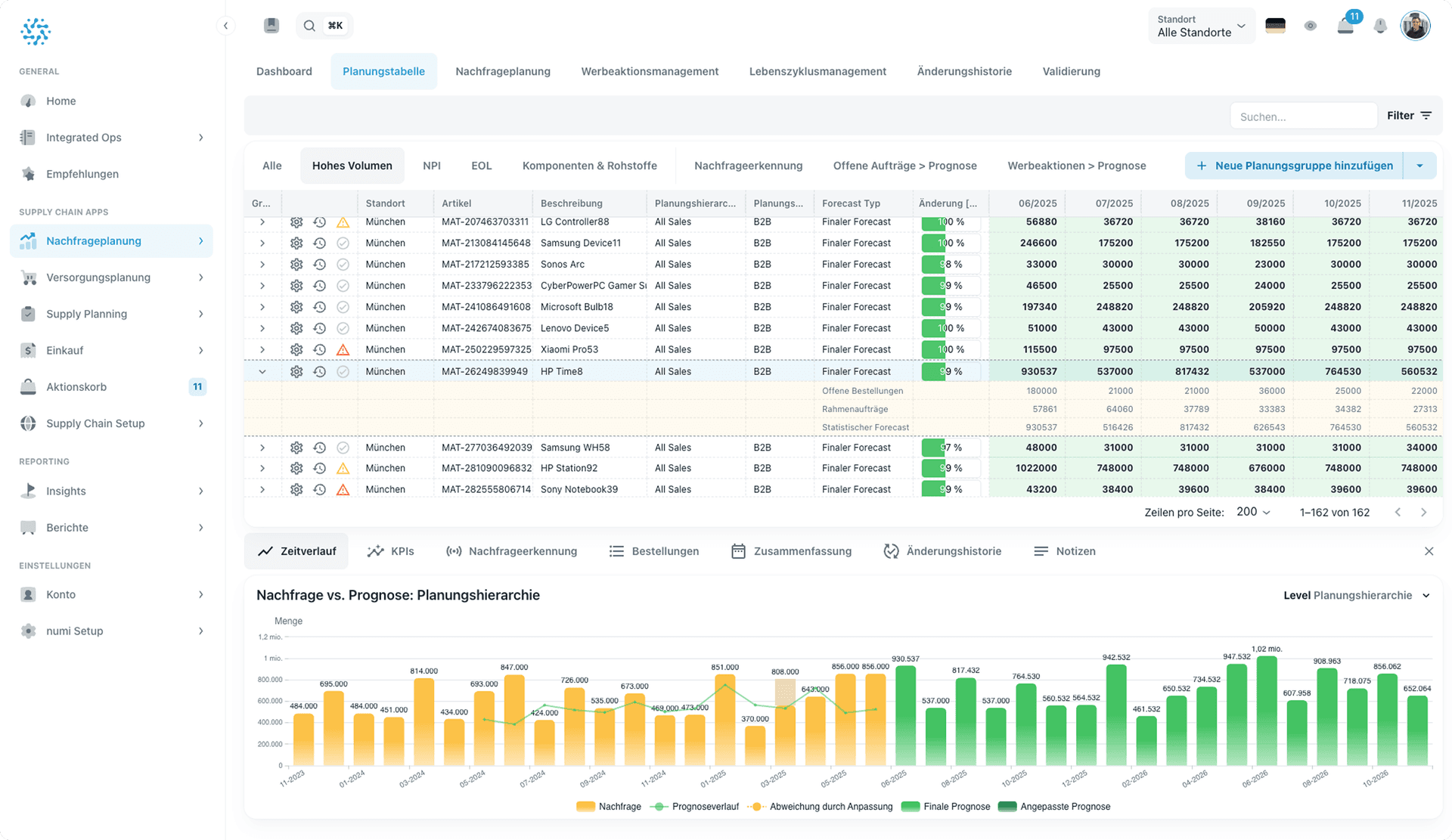
| Model selection | Manual and analyst-dependent | Automated best-fit model logic by item behavior |
| Update cadence | Weekly or monthly cycles | Frequent, repeatable forecast updates |
| Scalability | Difficult with larger SKU-location portfolios | Built for multi-SKU, multi-location planning |
| Collaboration | Version conflicts and email handoffs | Shared workflows and controlled review process |
| Risk detection | Mostly reactive checks | Early anomaly detection and prioritized exceptions |
| Execution | Manual transfer to ERP and purchasing | Workflow-ready recommendations for execution |
| Traceability | Limited override transparency | Structured decision history and explainability |
Where Excel still makes sense
Excel remains a valid setup when:
- the product portfolio is small,
- demand patterns are relatively stable,
- planning cycles are slower,
- and collaboration complexity is low.
For these cases, a lightweight process can outperform unnecessary system complexity.
Where teams hit limits with Excel
Most teams run into issues when:
- planners spend too much time consolidating files,
- forecast updates are delayed by manual steps,
- stockout risk appears too late,
- and operational teams cannot act fast on planning outputs.
At this point, the core problem is usually process scalability, not planner quality.
Why numi changes the outcome
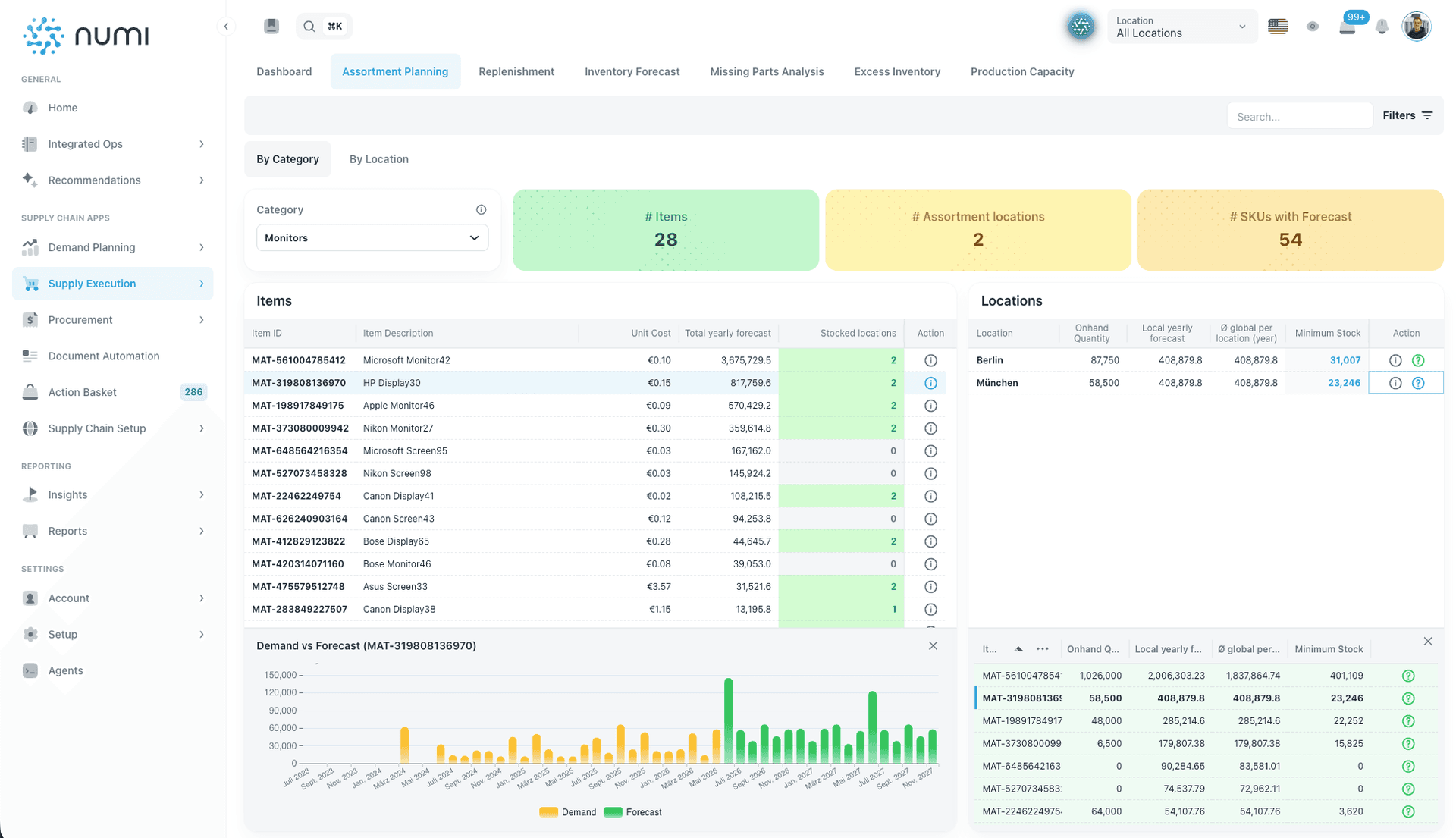
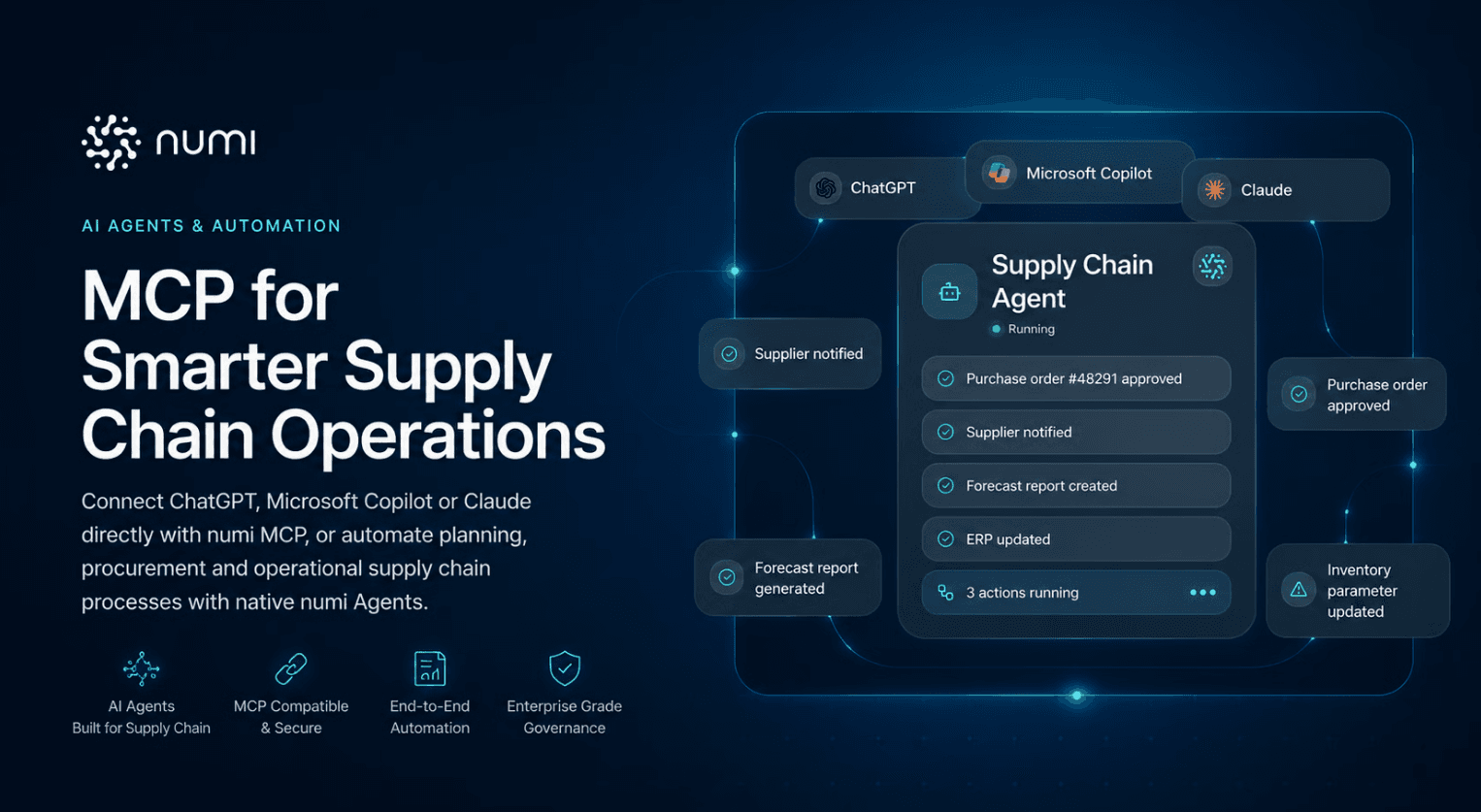
numi combines forecasting, inventory policy logic, and replenishment workflows so decisions can be updated and executed faster. Teams keep human oversight while reducing manual effort and inconsistency.
Relevant pages:
- Demand planning software
- Inventory optimization software
- Replenishment software
- Supplier collaboration software
FAQ
Is numi only useful for very large enterprises?
No. The main fit criterion is planning complexity, not company size. Mid-sized businesses with many SKUs or volatile demand also benefit.
Do we lose planner control when moving from Excel?
No. numi supports human-in-the-loop workflows, so teams can review and adjust recommendations.
Does numi replace our ERP?
No. numi complements ERP systems and improves decision quality before execution.